

web notepad
a windows-notepad clone in the browser, reborn from a class project into a homelab-hosted notes service.
python · flask · javascript · html/css · rest
active, overhauled aug 2026 with full crud.
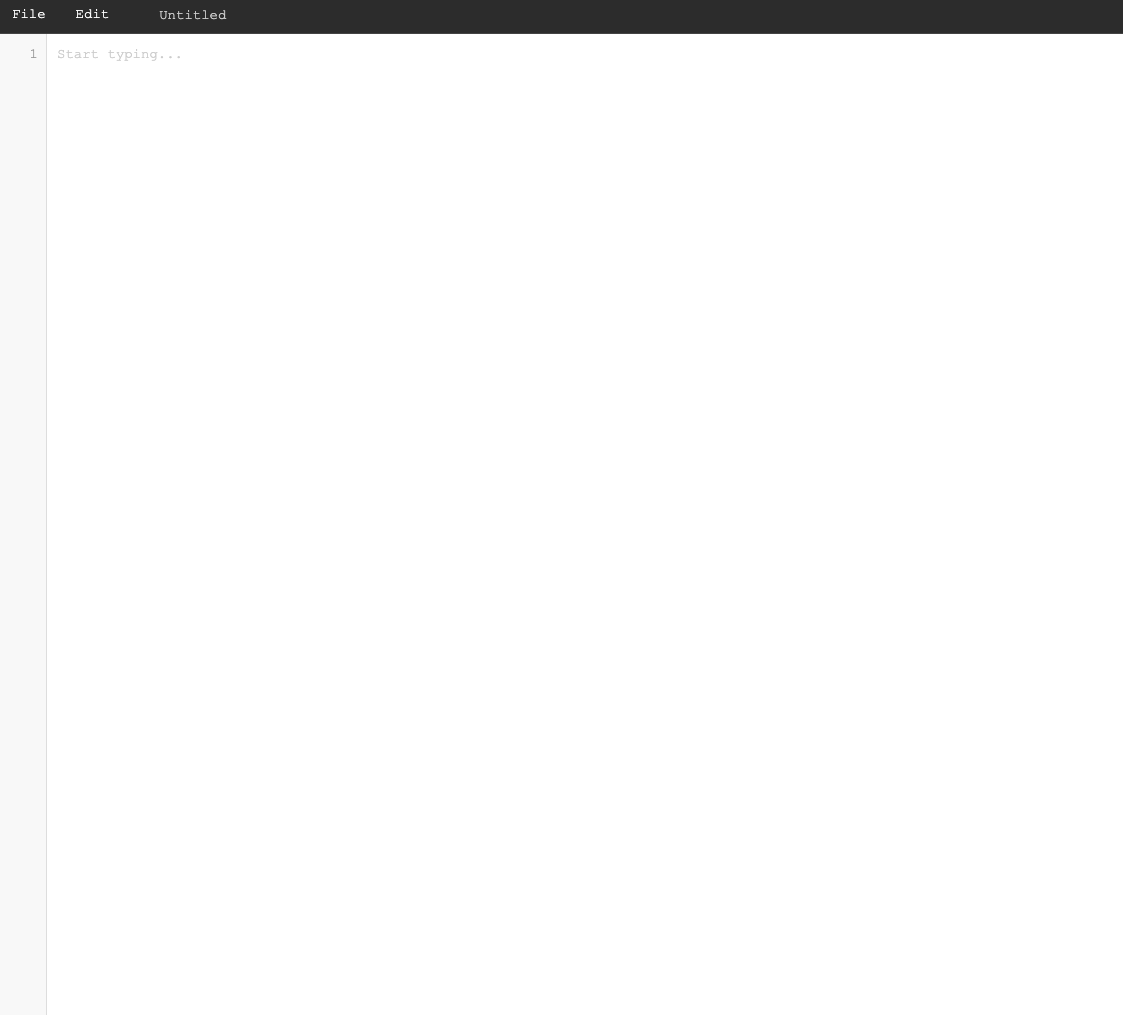
A lightweight, browser-based text editor backed by a small Flask JSON API. It looks and feels like the classic Windows notepad (dark menu bar, live line numbers, tab-to-indent, keyboard shortcuts, modal open and save dialogs), but files are written server-side to a storage directory, so my notes persist across sessions and follow me to any device that can reach the server. It's the overhauled, genuinely-useful second life of an old class project.
why i built it
This started as a class project. The course was on socket programming, and the assignment was a "collaborative notepad", a server that clients could connect to over raw sockets to open and edit shared files. I leaned into it and replicated the look and feel of the old Windows Notepad app on top, which made a networking exercise feel like an actual piece of software.
Then it sat untouched for about a year. When I came back to it, I realised the bones were more useful than the assignment ever needed them to be. By then I had my homelab running, and I wanted a place to jot notes that lived on my own server and that I could reach from anywhere, so I overhauled the whole thing. The raw sockets became a proper Flask REST backend, the collaborative ambition became an honest single-user notepad, and the result was something I'd actually use instead of a project I'd submit and forget.
the thinking
When I rebuilt it, I kept the design deliberately simple. Notes are just .txt files
on disk with no database, so the "database" is the filesystem, which I can inspect,
back up with a plain cp, and reason about without any moving parts. The one place
that simplicity gets interesting is security, since the moment a client can name a
file it can try to name something like ../../etc/passwd. So every path runs through a
sanitizer that strips .. and illegal characters, resolves the real location, and
rejects anything that escapes the storage directory. I also kept the front end vanilla
HTML, CSS, and JS with no framework or build step, so the whole app stays small enough
to read top to bottom.
how it works
One Flask file serves a single-page front end and a small JSON REST API. The API is
the whole contract. GET /api/files lists everything under storage, GET /api/files/<path> reads one, POST creates (and returns 409 if it already
exists), PUT updates, DELETE removes the file and prunes now-empty parent
directories, and POST /api/files/duplicate copies with auto-numbering
(note.txt → note_1.txt). Every route resolves its path through the sanitizer and
returns proper status codes, 400 for a bad name, 404 for missing, and 409 for a
conflict. The front end is the editor UI, a line-number gutter kept scroll-synced with
the textarea, tab-to-insert-spaces without losing the caret, Ctrl/Cmd-S/O/N
shortcuts, and a save flow where writing over an existing name surfaces an
overwrite-vs-duplicate modal driven by that 409.
run it
It's a virtualenv, pip install -r requirements.txt, and python app.py, which
serves on http://localhost:5000, and notes land in ./storage/ (created for you).
An optional .env sets STORAGE_PATH, FLASK_HOST, and FLASK_PORT, and it's worth
knowing that it binds 0.0.0.0 by default, so set FLASK_HOST=127.0.0.1 to keep
it local-only.
what i learned
The biggest thing this project taught me is that an abandoned project isn't dead, it's just waiting. Something I built to pass a class, then forgot about for a year, turned into a tool I genuinely use once I gave it a real purpose. That reframing, from "assignment" to "thing I actually want to exist", changed everything about it, including the honest decision to stop pretending it was collaborative and build the single-user version well.
On the engineering side, the path-traversal defense was the part worth doing
carefully, and I verified it by actually posting ../../etc/evil.txt and confirming it
stayed contained inside storage rather than escaping. It's a dev-server, no-auth app by
design, so if it grew the next steps would be a real WSGI server behind a proxy and
proper authentication.